
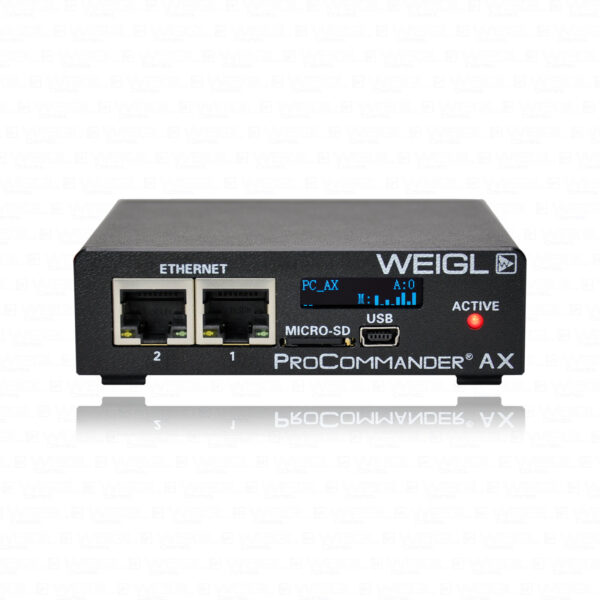
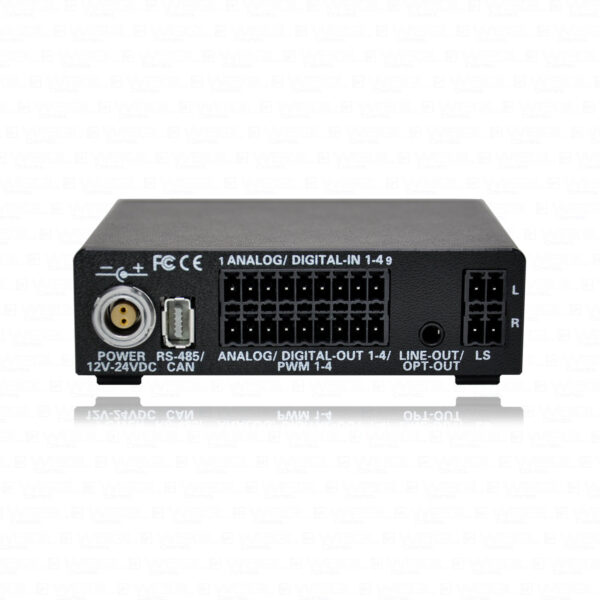
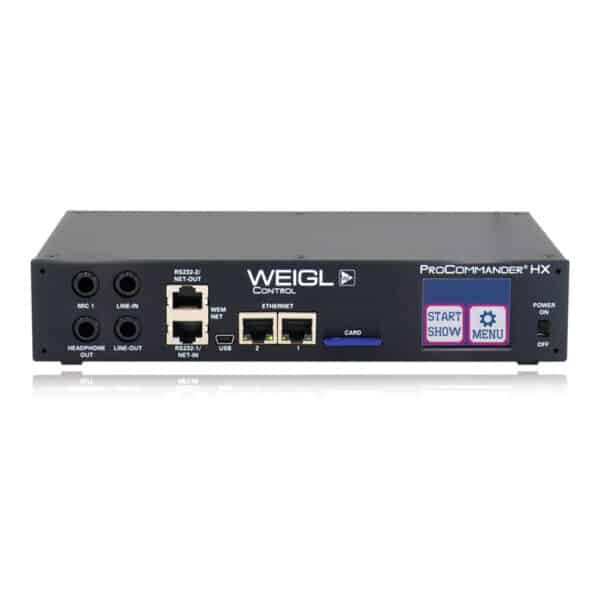
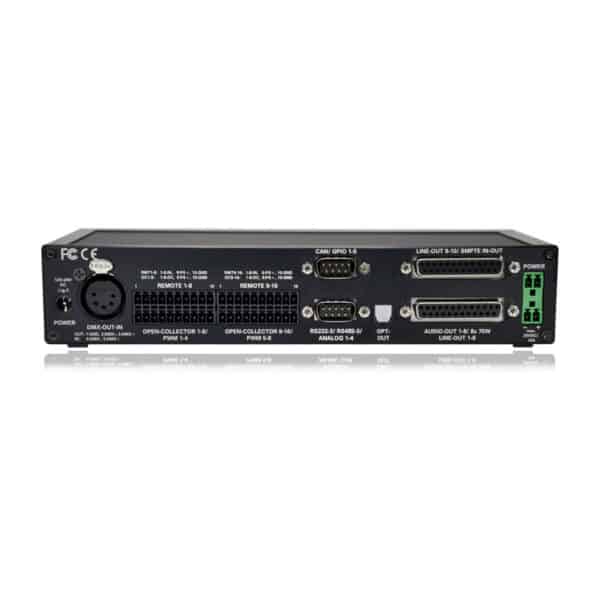
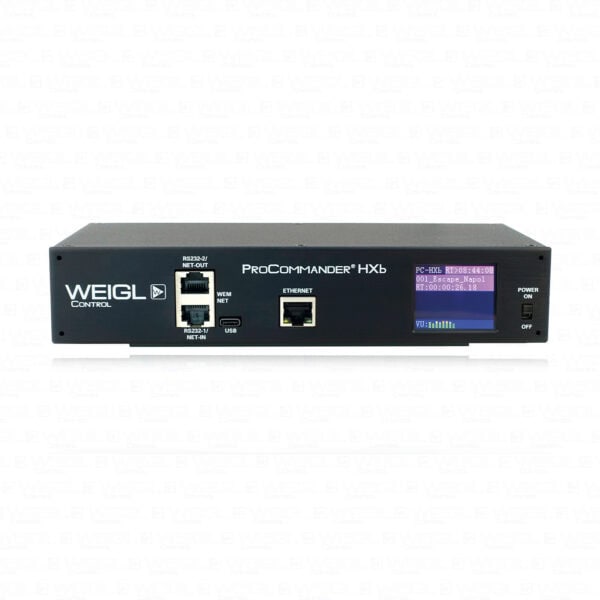
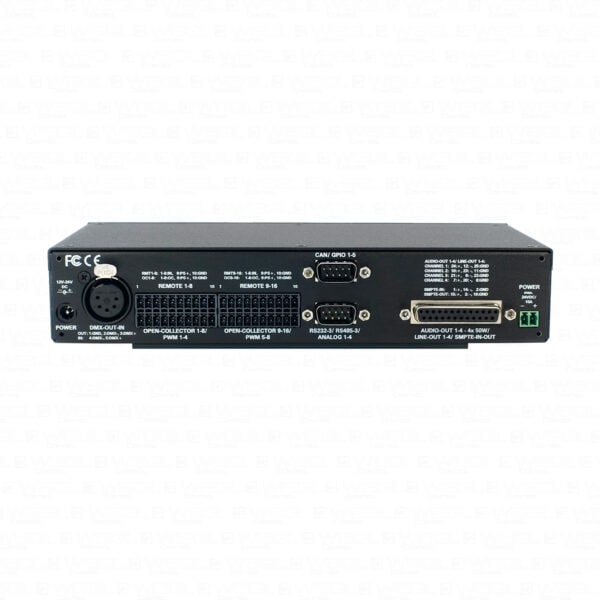
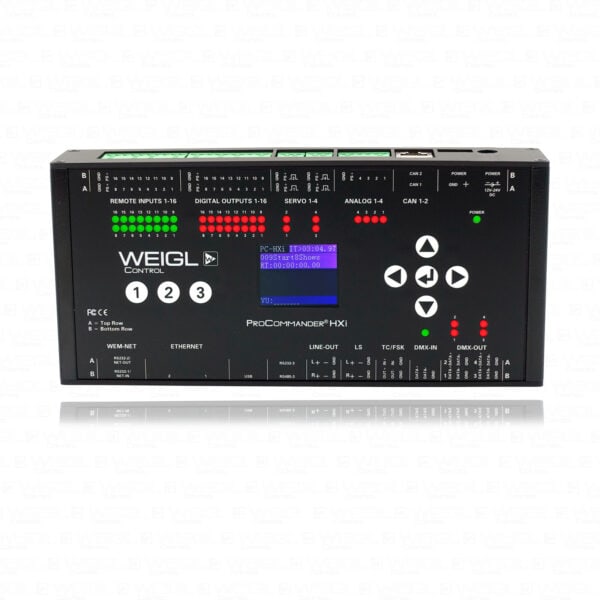
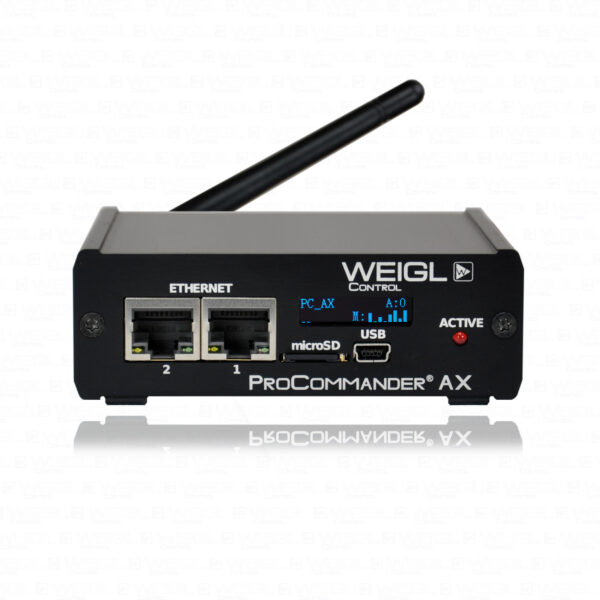
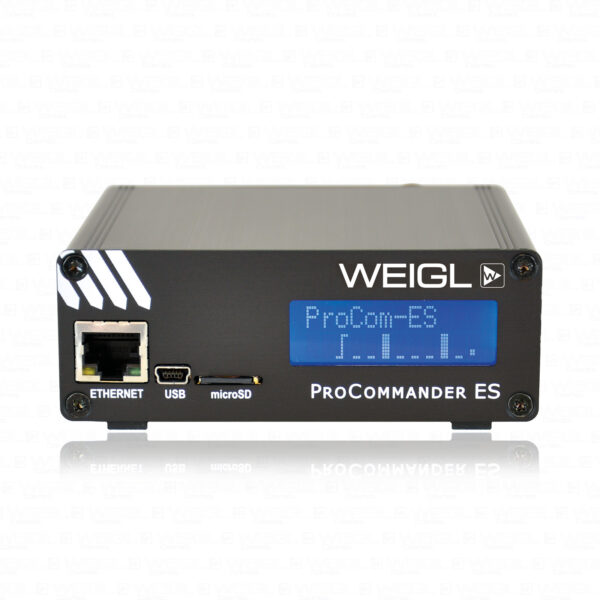
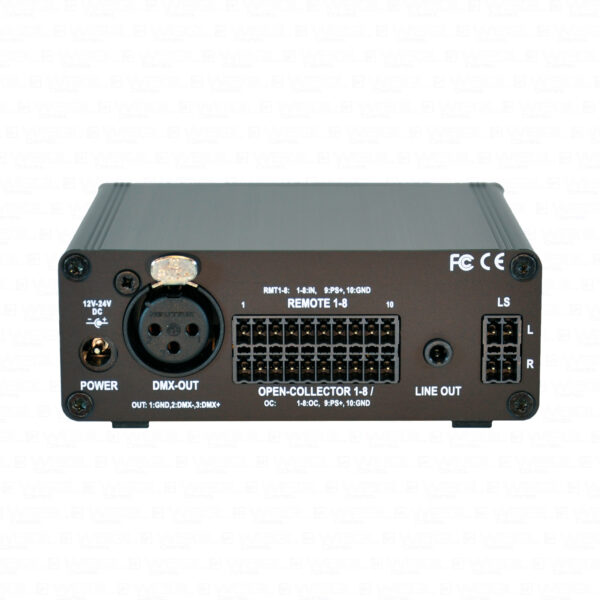
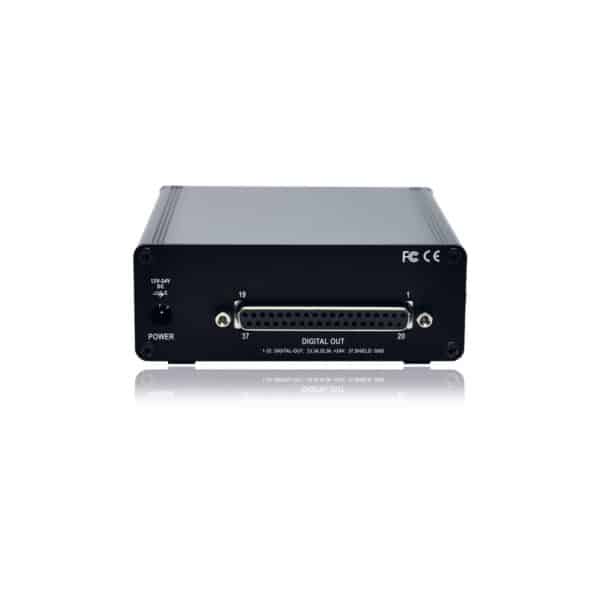
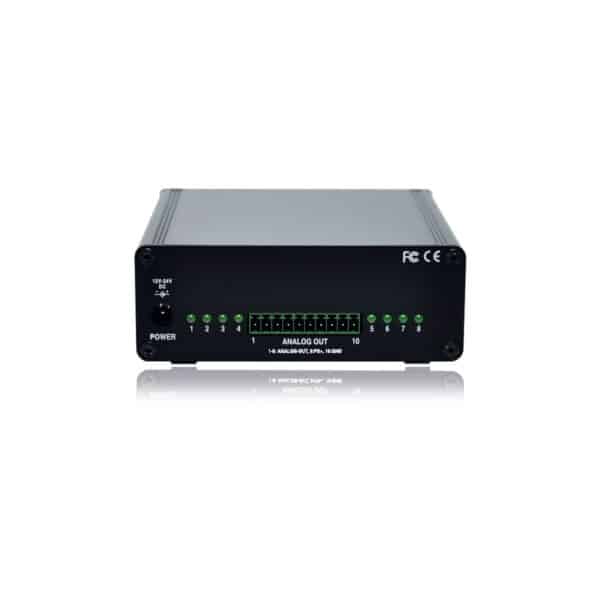

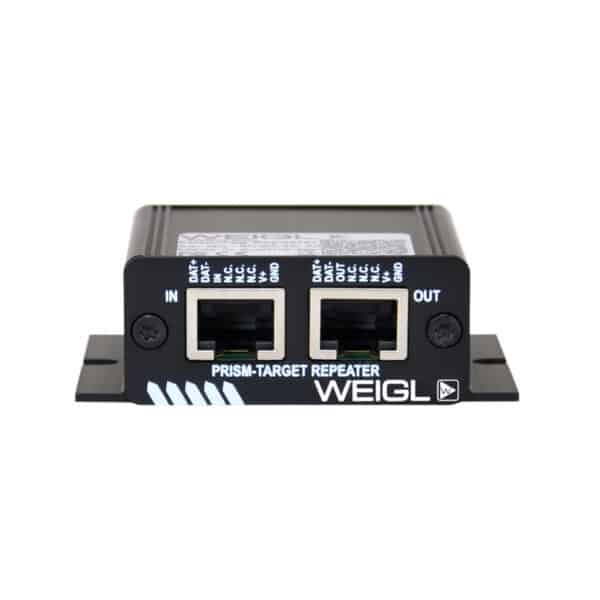
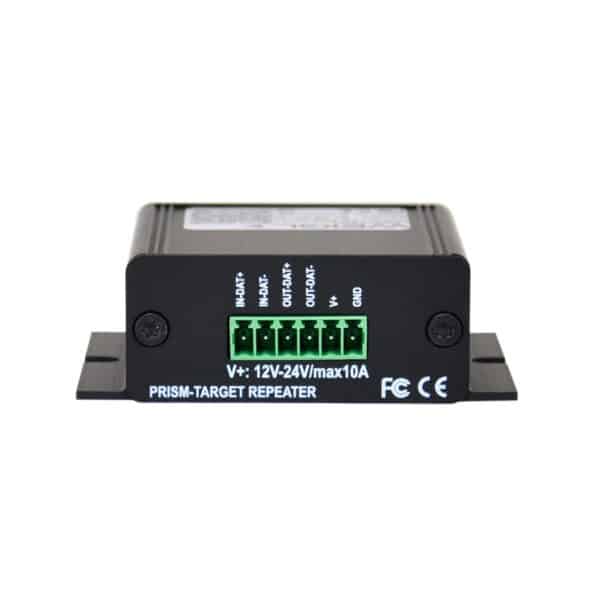

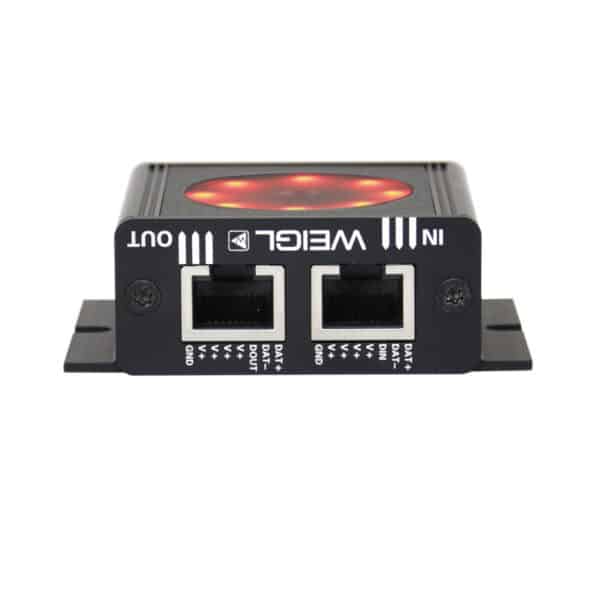
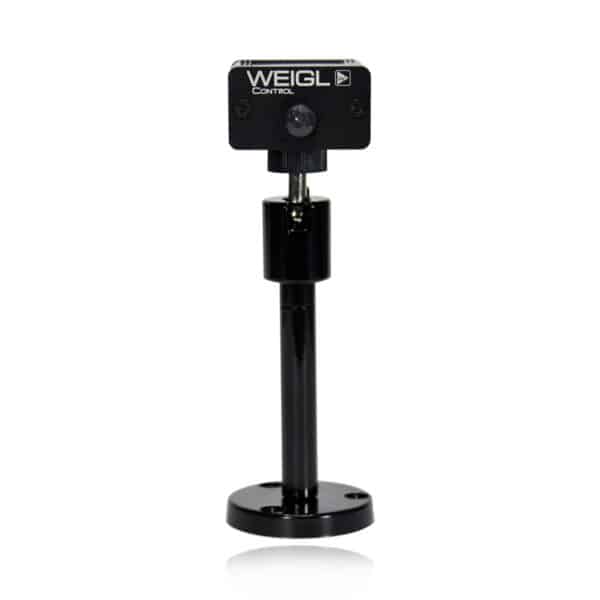
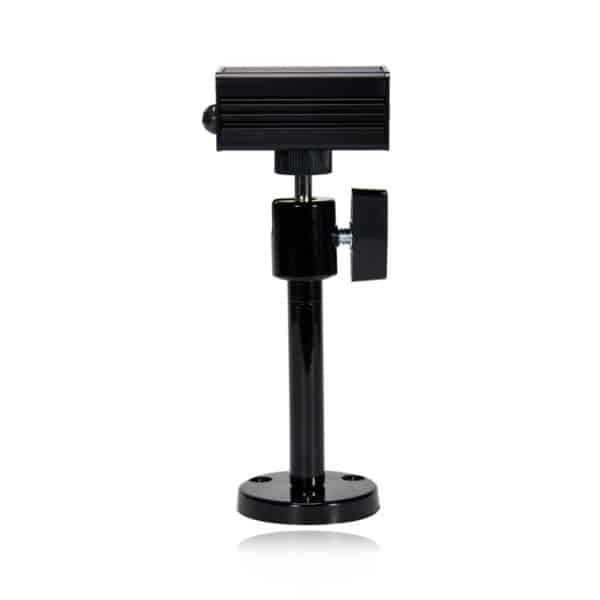
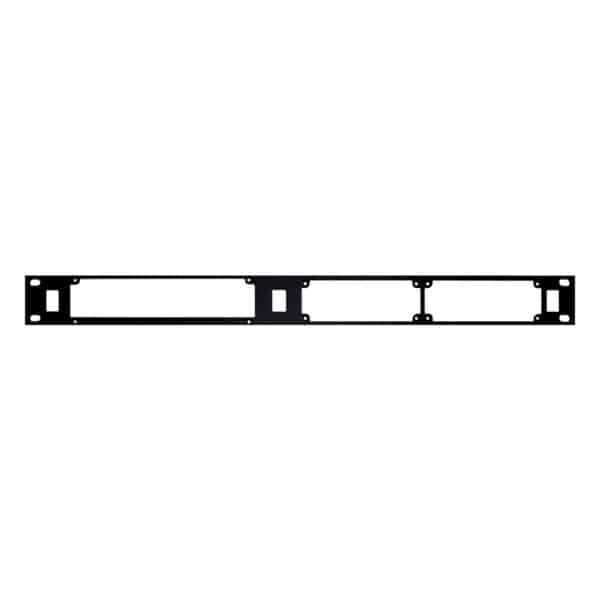
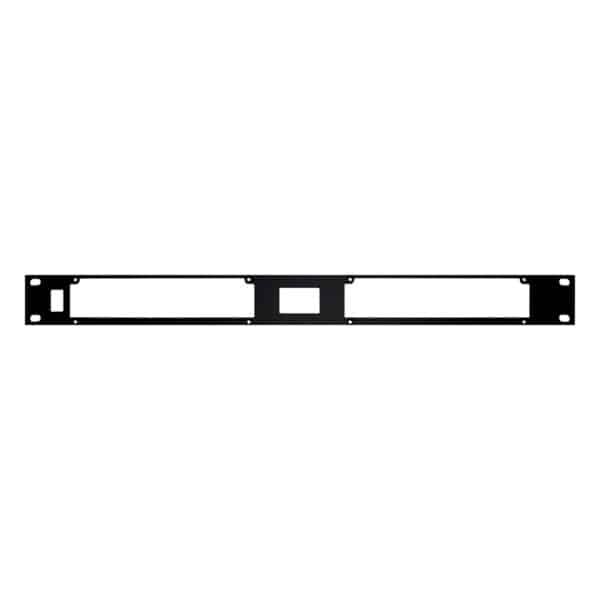

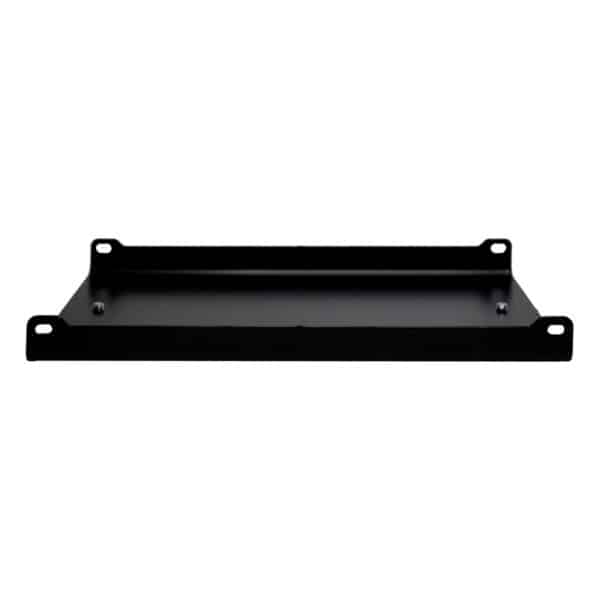








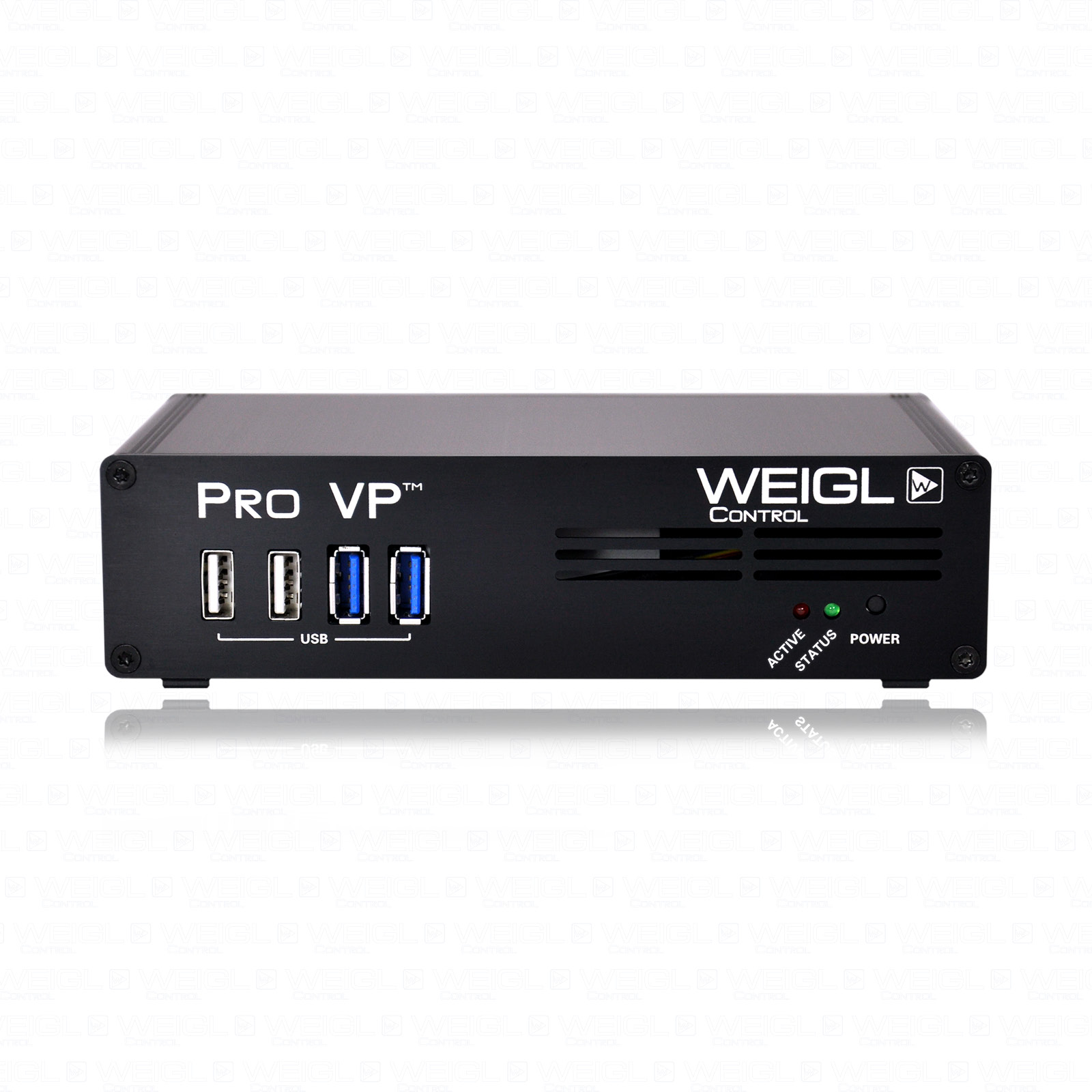
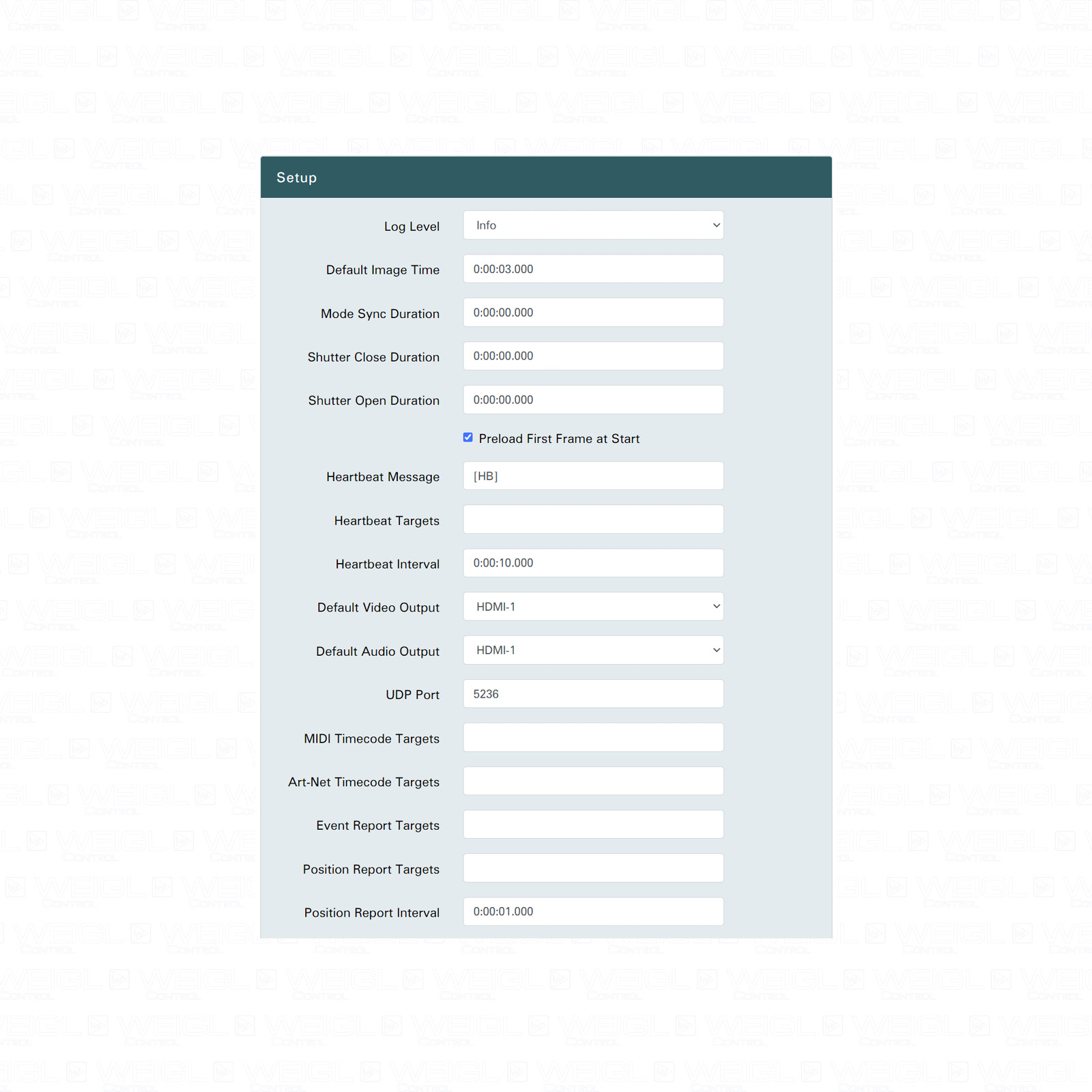
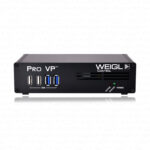
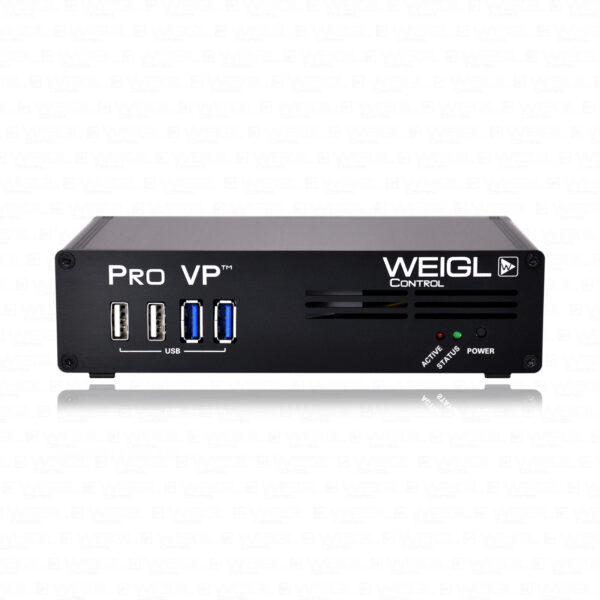
The Pro VP™ is a embedded stand-alone video player solution especially designed for playback to any ProCommander® Series and ProCommander® X Series device.
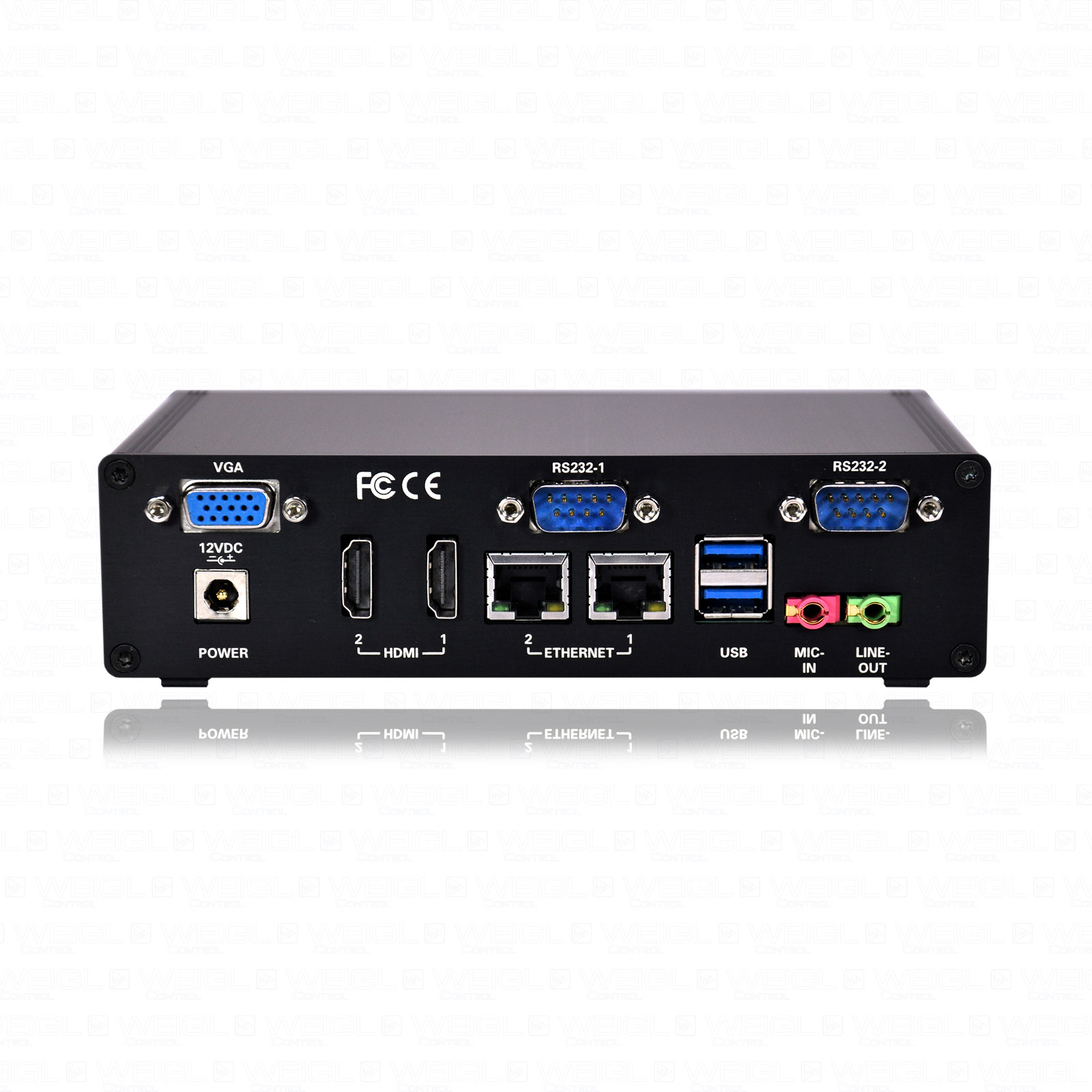
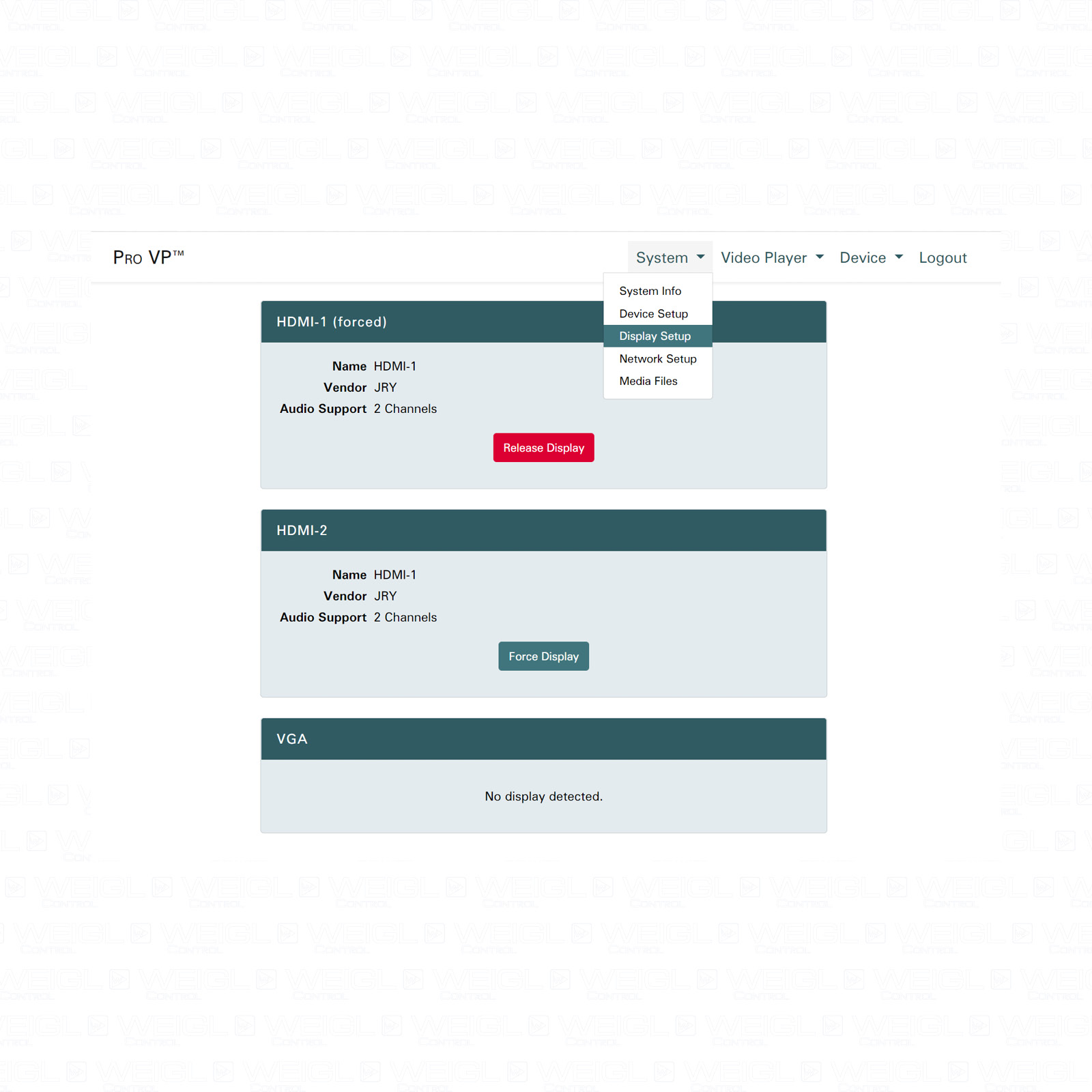
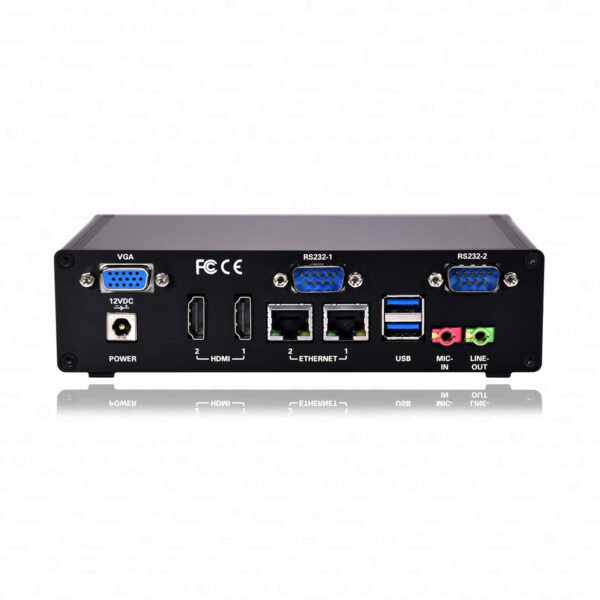
Introducing the Pro VP™, an embedded stand-alone video player solution providing two HDMI outputs, each supporting frame synchronous Full-HD @ 30 fps for 3D cinema projection or dual screen.
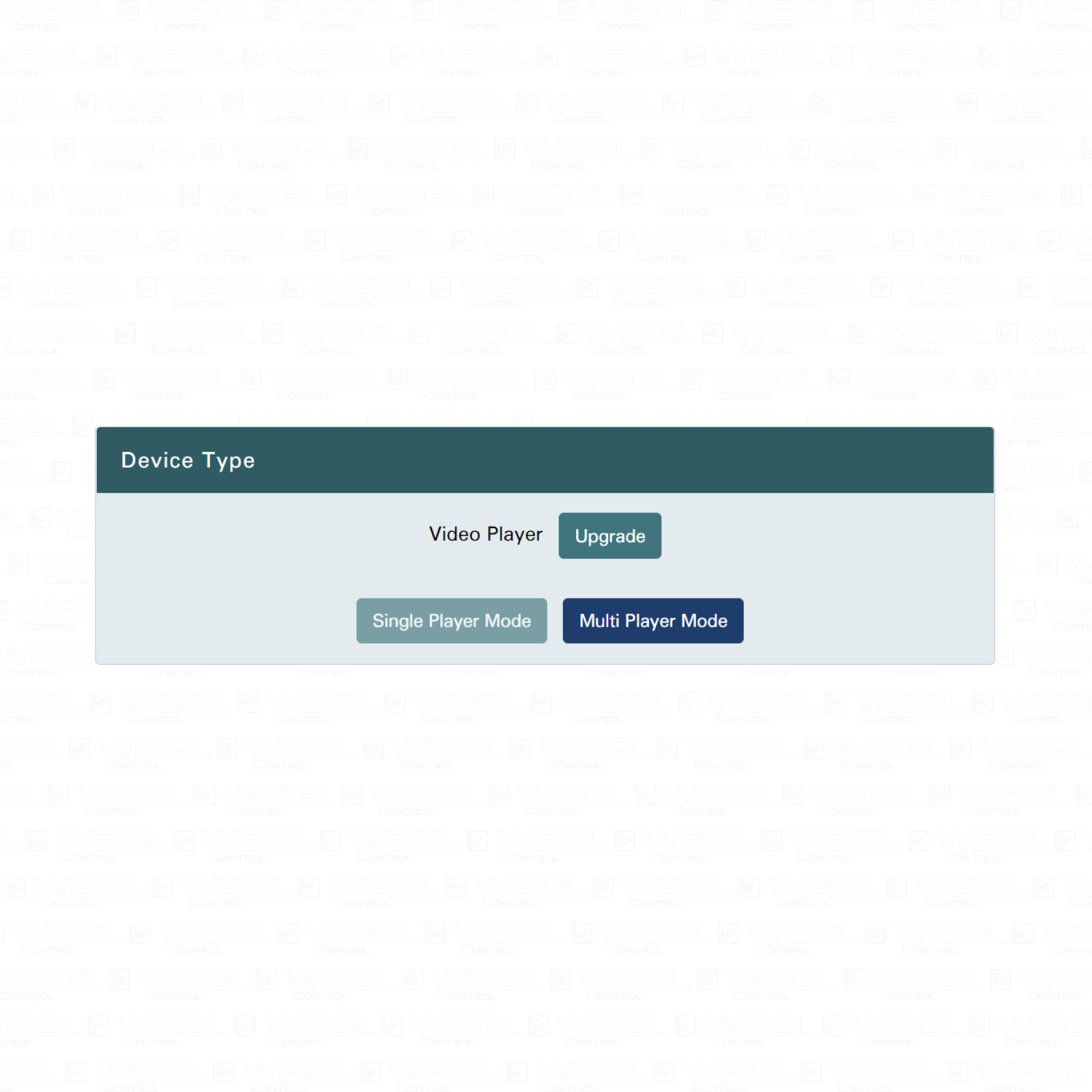
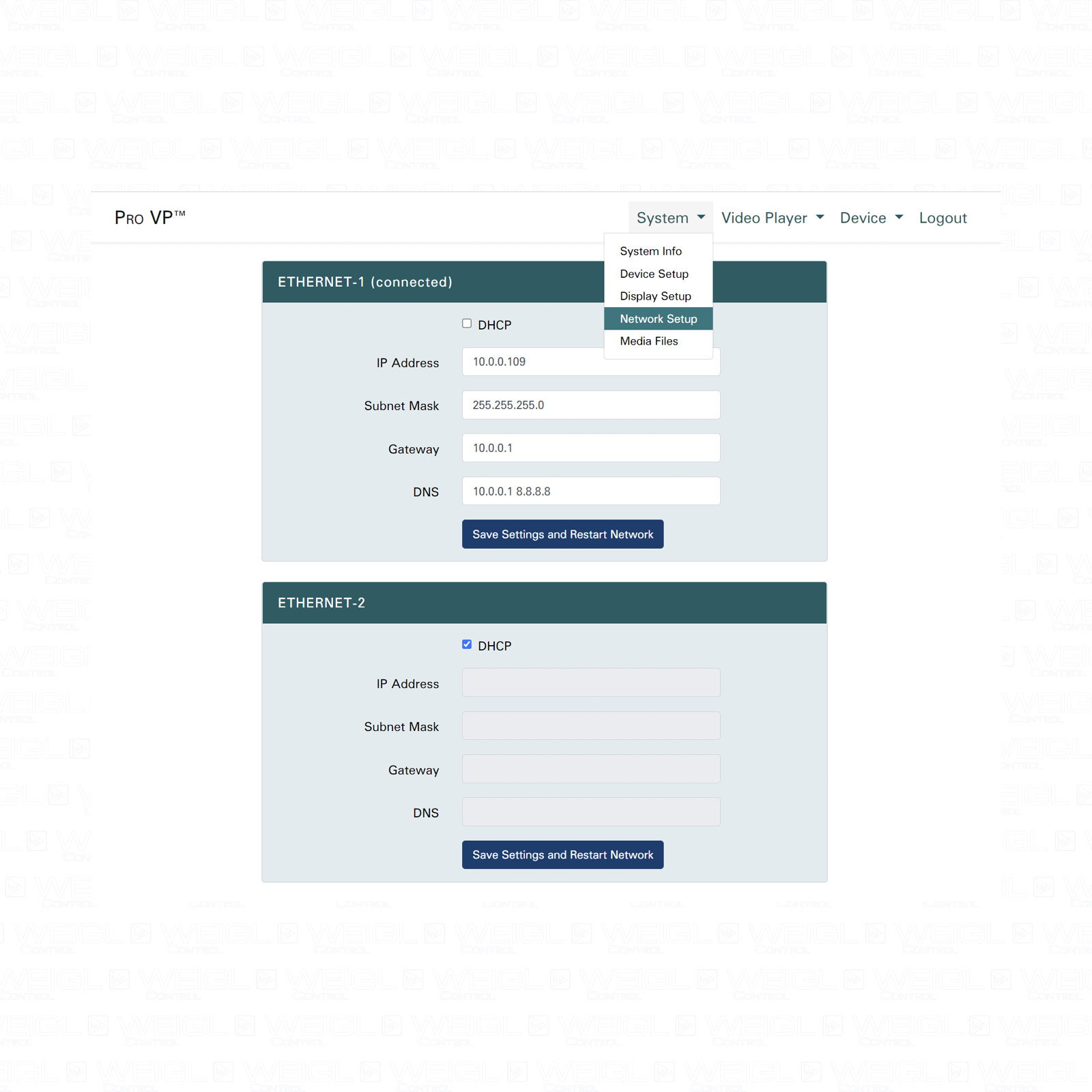
Pro VP™ features MIDI and Art-Net time code for synchronization of external equipment and multi-display solutions. A custom, friendly web configuration interface is also provided.
The Pro VP™ is available in three version:
Special Features
- 2x Full-HD@30fps; 3D ready
- Dolby 5.1 via HDMI Output
- UDP Command Interface
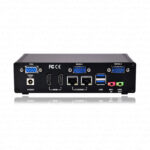
- 2x Ethernet
- 2x RS-232
| Features | Pro VP™ Series | |||||
|---|---|---|---|---|---|---|
| SPM = Single Player Mode
MPM = Multi Player Mode |
Pro VP™ | Pro VP™ Videowall 3D |
Pro VP™ Multi Timeline |
|||
| SPM | MPM | SPM | MPM | SPM | MPM | |
| Video Playback | x | x | x | x | x | x |
| UDP Command Interface | x | x | x | x | x | x |
| UDP/Serial Message Provider | x | x | x | x | x | x |
| Scripting Interface | x | x | x | x | x | x |
| Playlist Support | x | x | x | x | x | x |
| MIDI Timecode | x | x | x | x | x | x |
| Art-Net Timecode | x | x | x | x | x | x |
| Event Report | x | x | x | x | x | x |
| Position Report | x | x | x | x | x | x |
| Static EDID Support | x | x | x | x | x | x |
| Multi Channel Audio Support*
HDMI-1 (8 Channels) HDMI-2 (8 Channels) LINE-OUT (2 Channels) |
x | x | x | x | x | x |
| Shutter Support for Resolution Switches | x | x | x | x | x | x |
| Overlay Support | 1x static** | – | 1x static*** | – | x | x |
| Animation for layer alpha value and audio volume support | x | x | x | x | x | x |
| Dual Sync Display Playback Support | – | – | x | – | x | – |
| Multiple Timelines | – | – | – | – | x | x |
| Unlimited Video Layer Support | – | – | – | – | x | x |
| Dynamic Modification of all layer properties (position, size, etc.) as well as animation support for these properties | – | – | – | – | x | x |
| * = depends on connected screen/monitor
** = image *** = image/ video |
||||||
| Features | Pro VP™ Series | |||||
|---|---|---|---|---|---|---|
| SPM = Single Player Mode
MPM = Multi Player Mode |
Pro VP™ | Pro VP™ Videowall 3D |
Pro VP™ Multi Timeline |
|||
| SPM | MPM | SPM | MPM | SPM | MPM | |
| Independent Player | 1 | 2 | 1 | 2 | 1 | 2 |
| Video Output | 1 | 2 | 1 or 2 | 2 | 1 or 2 | 2 |
| Independent Timeline per Player | 1 | 1 | 1 | 1 | 1+ | 1+ |
If you have any further questions or if you want to order a Weigl Pro VP™ please contact us.
Firmware Update
Instruction Manual
Wiring Diagram
Project
Startup Script & Script: Landscape
Description:
This project consists of several videos which are played via HDMI-1 port. The video “archaea.mp4” will be played in a loop. This loop will be interrupted after 1 hour, 32 minutes and 25 seconds to run the script named “landscape”.
Project
Playback a video without audio using a *.cma file
Description:
This project consists of one video (teaser_loop.mp4) without audio and is displayed via a screen connected to the HDMI-1 port.
Project
Playback a video with audio via HDMI-1 using a *.cma file
Description:
This project consists of one video (demo_video.mp4) which is displayed via a screen connected to the HDMI-1 port. The audio of the video is played via the HDMI-1 port.
The video is centered and displayed in letterbox format, if a mismatch of resolution and screen exists. In case of a mismatch, a green background color is displayed to fill the screen.
Project
Playback two videos with audio via HDMI-1 using a *.cma file
Description:
This project consists of two video files which are displayed via a screen connected to the HDMI-1 port. The audio of the teaser video is played via the HDMI-1 port.
The teaser video (video1) is in 16:9 format and in the background. It is centered and displayed by default in letterbox format, if a mismatch of resolution and screen exists. In the event of a mismatch, a yellow background color is displayed to fill the screen.
The logo video (video2) is scaled down to a quarter of its original size and displayed in the right bottom corner of the screen. It is displayed in the foreground of the screen.
Project
Playback two videos without audio via HDMI-1, whereby the second video has 60% opacity using a *.cma file
Description:
This project consists of two video files which are displayed via a screen connected to the HDMI-1 port.
The background video (video1) is in 16:9 format and in the background. It is centered and displayed by default in letterbox format, if a mismatch of resolution and screen exists. In the event of a mismatch, a green background color is displayed to fill the screen.
The opacity of the overlay video (video2) is set to 60% and scaled down to a 75% of its original size and displayed in the left top corner of the screen. It is displayed in the foreground of the screen.
Project
Fade In and Fade Out